Ultra-Thin Dual USB-C Fast Charger: Travel-Friendly Power
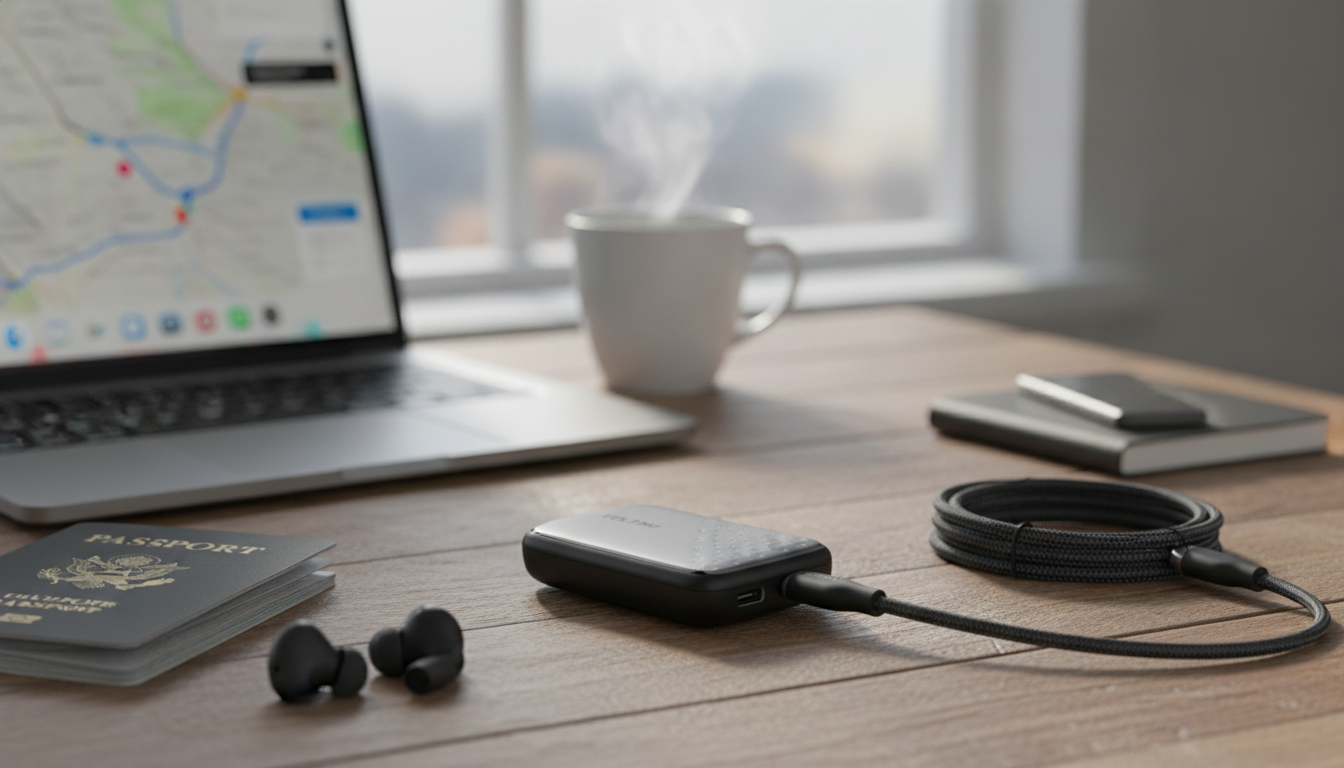
Ultra-Thin Dual USB-C Fast Charger for Travel, Work, and Everyday Carry
A slim wall charger can make a noticeable difference in a bag, at a crowded outlet, or behind furniture where bulky bricks don’t fit. An ultra-thin dual USB-C fast charger is built to deliver modern USB-C power to two devices at once while keeping the footprint low for cleaner setups, easier packing, and less outlet obstruction.
What an ultra-thin dual USB-C charger is best for
- Packing light: Reduced bulk in tech pouches, carry-ons, and commuter bags—especially when replacing multiple older adapters.
- Tight spaces: Easier access to wall outlets behind nightstands, sofas, and desks where thicker blocks can get pinched or blocked.
- Two-device routines: Charging a phone and earbuds, phone and tablet, or phone and power bank at the same time without juggling bricks.
- Workstations: Fewer adapters when USB-C is the common standard across phones, tablets, and accessories.
- Shared outlets: Less obstruction when multiple plugs share the same power strip, airport outlet, or hotel bedside socket.
Key features to look for before buying
- USB Power Delivery (USB PD): USB PD support helps enable the fast-charging “handshake” many modern devices use over USB-C. For details on how the standard works, see the USB Power Delivery specification overview from USB-IF.
- Total wattage (and sharing behavior): Dual-port chargers typically list a maximum combined output; when two devices are connected, that power may be split.
- Port priority rules: Some models favor one port, or dynamically allocate power based on what’s plugged in, which can change charge speeds.
- Safety protections: Look for over-current, over-voltage, over-temperature, and short-circuit protection for everyday confidence.
- Build quality and heat management: A thinner body should still manage heat well during longer sessions (like overnight charging or powering a tablet plus phone).
Charging expectations with two USB-C ports
- One device is often fastest: A single device may charge quicker than two at once because the charger can dedicate more of its output to one port.
- Fast charging is negotiated: Device + cable + charger must agree on a compatible USB PD profile. If any part doesn’t support the right profile, charging can fall back to a slower mode.
- Higher-demand devices need higher wattage: Tablets, handheld gaming devices, and some ultralight laptops may draw more power than a phone-focused charger can provide at peak speed.
- Cables matter: Use USB-C to USB-C cables rated for the intended power level from reputable brands; higher-wattage charging commonly requires an e-marked cable.
- Troubleshooting slow charging: Swap ports, try a different cable, or unplug one device to confirm whether power sharing is limiting speed.
At-a-glance compatibility guide
Most modern devices play nicely with USB-C Power Delivery, but charge speed depends on what the device is designed to accept and how the charger splits power across two ports. For device-specific guidance, Apple and Google publish helpful quick-start resources for fast charging (see Apple’s iPhone fast charging support page and Google’s Pixel charging support).
| Pairing | Best use case | What to watch for |
|---|---|---|
| Phone + earbuds | Daily carry and travel | Use a quality USB-C cable; power needs are low for earbuds |
| Phone + tablet | Hotel/nightstand charging | Expect some power sharing; tablet may charge slower than when alone |
| Phone + power bank | Commutes and long days out | Power bank input limits can cap charging speed |
| Tablet + handheld console | Weekend trips | Heat and total power sharing may reduce peak speeds |
| Laptop + phone | Emergency top-ups | Laptop may not charge at full speed unless charger wattage is sufficient |
Using an ultra-thin charger efficiently
- Plug into the wall when possible: Direct connection can reduce added resistance and heat that can come from low-quality power strips.
- Give it airflow under heavier loads: Avoid covering the charger with clothing, bedding, or tightly packed items while it’s actively charging two devices.
- Respond to unusual heat: Warm is normal; uncomfortably hot is a sign to disconnect and let it cool, then try a lower-demand pairing.
- Keep cables short and reliable: Shorter, certified cables can reduce voltage drop and help devices maintain their preferred charging rate.
- Travel-ready setup: Pair with a region-appropriate plug adapter when needed and confirm the charger supports local voltage ranges for international trips.
Ultra-Thin Dual USB-C Fast Charger: quick product snapshot
Recommended in-stock picks
- Ultra-Thin Dual USB-C Fast Charger — a compact option for two-device charging in tight outlets and travel setups.
- Master Every Task with Claude AI | How to Use Claude AI Guide for Smarter Workflows, Creative Ideas & AI Productivity — a lightweight digital add-on for organizing work routines while on the go.
- Smart Home Upgrade Checklist | AI-Generated Home Improvement Ideas | Digital Download for Modern Living — a quick checklist-style download for planning upgrades and keeping projects on track.
FAQ
Can both USB-C ports fast charge at the same time?
Often yes, but the charger’s total output is usually shared between the two ports. If both connected devices request high power at once, each device may charge slower than it would when charging alone.
Will a dual USB-C wall charger work with iPhone and Android devices?
Yes—USB-C Power Delivery is broadly compatible across many phones. iPhones with Lightning need a USB-C to Lightning cable, while USB-C iPhones and most Android phones use USB-C to USB-C; some Android “super fast” modes are proprietary, but USB PD typically still charges quickly.
What cable should be used for reliable fast charging?
Use a reputable USB-C to USB-C cable rated for the charger’s expected wattage; for higher power, choose an e-marked cable. Avoid damaged or unknown cables, which can cause slow charging, connection drops, or excess heat.



Leave a comment